Note: To view a list of all available add-ons and enable the ones you want, navigate to MemberDash >Modules
To enable Redirect Control, navigate to MemberDash > Modules and scroll down until you see the Redirect Control section and click the switch to enable it.
When this Add-on is enabled you will see a new section in the “Settings” page with additional options.
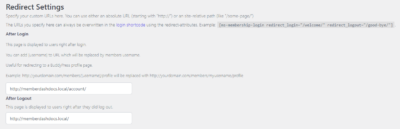
Once you’ve enabled Redirect Control, navigate to MemberDash > Settings > Redirect
From here you will have the ability to choose where users are redirected to after they login, or logout of their account.